In short
Video is on the Studio and Studio Pro plans. In Video, start a New episode, let the Assistant plan it or build the storyboard yourself, then make the shots and Put together Cut 1. Characters keep their Wiki faces and voices.
Start an episode
An episode is a short sequence of scenes and shots, put together into one video. Open your book, switch to Video and click New episode. You can start two ways and switch at any time:
- Describe an episode: tell the Assistant which scene to film. It reads your manuscript and Wiki, picks the characters and places, and fills in the storyboard.
- Start a storyboard: add shots yourself, write what happens in each, and pick characters and places from the Wiki.
Story, Storyboard, Watch
- Story: check each shot's action and spoken lines. Shots run 4 to 30 seconds.
- Storyboard: each shot gets a sketch and a picture. Open a shot to change it in words.
- Check the cost line, "Whole episode ~N credits", then click Make all.
- Watch: click Put together Cut 1 to join the takes, then Download video.
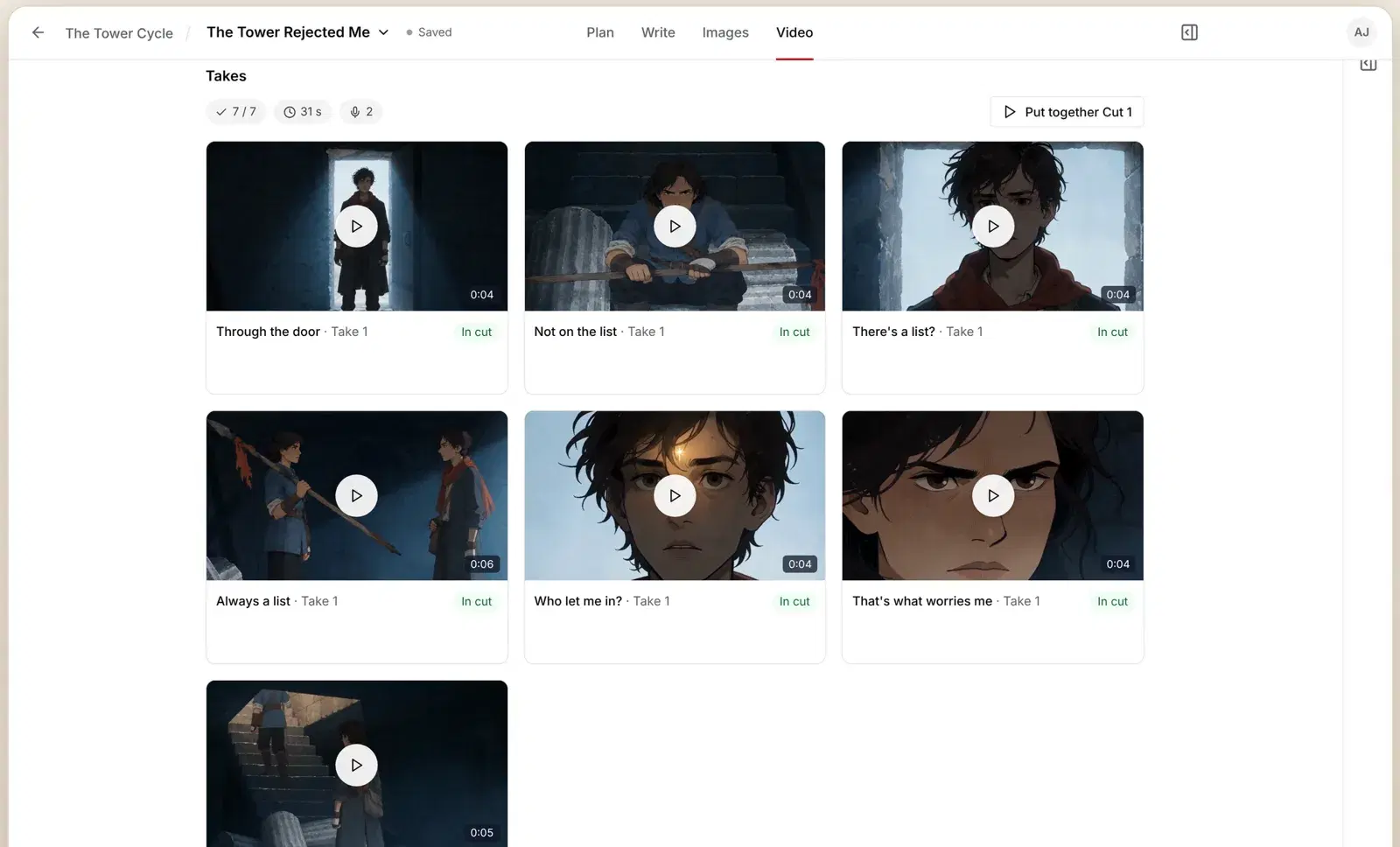
Faces and voices
Characters use their Wiki character sheet and Wiki voice, so they look and sound the same in every shot. If a character has no voice yet, Studio asks before it makes one. For tips on planning shots, see how to make a storyboard and shot list.
Questions
How much does video cost?
It depends on length and resolution. Before you make anything, Studio shows the whole episode's cost split into pictures, voices and clips. A 30-second scene at 480p usually fits well inside a month of Studio credits.
What resolution do I get?
Studio makes 480p video with sound. Studio Pro adds 720p.
I paid for Studio but video is off.
Video turns on as soon as a Studio plan is paid. If you still see "Video isn't on for this account yet", email asim@axiomstory.com and we'll fix it.
Email asim@axiomstory.com and a person will answer.