model-assisted video teams often jump straight into generation and then wonder why the results do not cut together. The missing layer is usually preproduction. You still need shot intent, sequence structure, and a shared understanding of what each clip is supposed to accomplish.
A strong storyboard and shot list workflow turns model-assisted video from isolated experiments into directed sequences with continuity and rhythm.
Start with sequence goals, not isolated cool shots
The question is not whether a single shot looks cinematic. The question is whether the whole sequence communicates the beat you need. Once that is clear, the shot list becomes a tool for dramatic structure instead of a wishlist of visuals.
model-assisted video benefits from this discipline because the system needs to know what role each clip plays inside the larger progression.
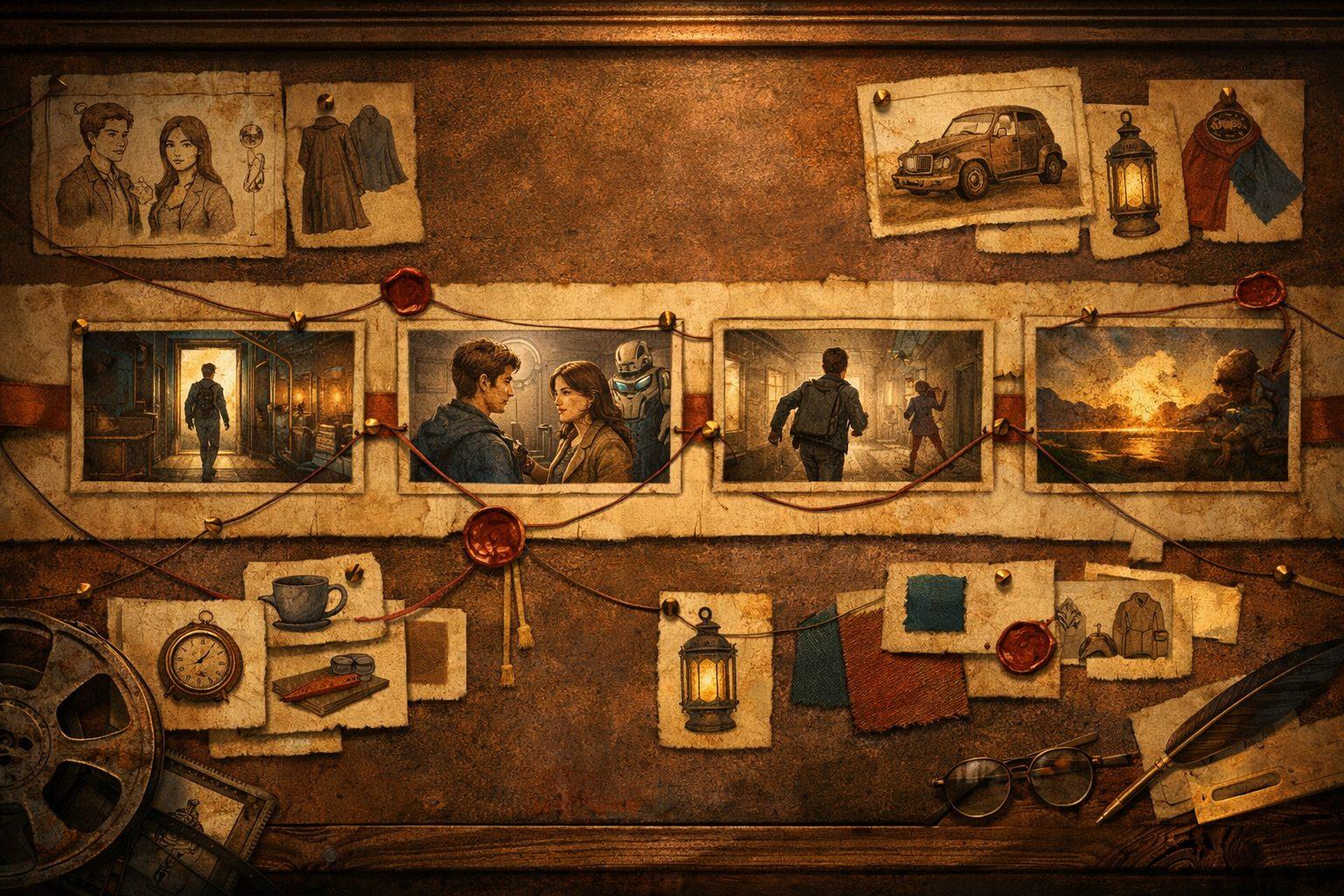
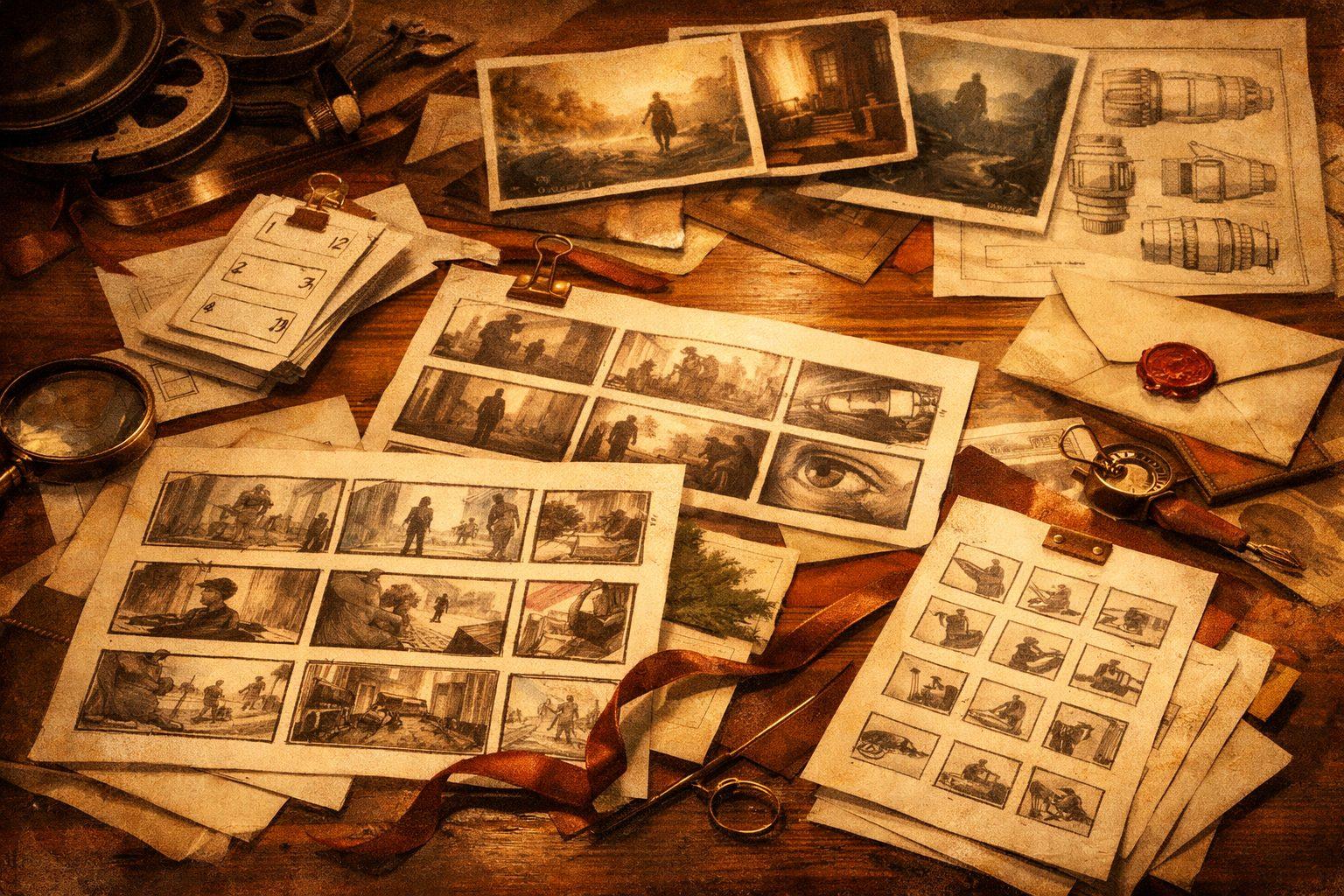
Use storyboard frames to pin composition and camera language
Storyboard frames do not need to be beautiful. They need to communicate intent. Frame size, direction of movement, subject placement, and emotional emphasis all matter more than polish at this stage.
These frames become strong guidance for later generations because they define what must stay stable when the room starts iterating.
Treat the shot list like structured context
A useful shot list includes more than shot names. It should capture purpose, framing, motion, continuity requirements, and what the audience needs to learn in that beat.
That turns the shot list into something model systems can inherit, not just something humans glance at before improvising again.
- Shot purpose: reveal, transition, tension, reaction, payoff
- Continuity notes: wardrobe state, prop state, time of day, character position
- Visual notes: lens feel, camera height, movement, focal priority
Approve at the sequence level whenever possible
A clip that looks great alone can still weaken the edit. Reviewing shots in sequence exposes mismatched energy, redundant framing, and continuity errors that are invisible in isolation.
This is especially important for model-assisted video because the tools can produce individually attractive shots that do not actually help the scene move.
Feed approved shots back into the planning layer
The planning system should evolve with production. If a shot becomes canonical for a character, environment, or movement pattern, save it with its context so later sequences can build on that decision.
That feedback loop is what turns preproduction into a compounding advantage instead of a document that gets ignored once generation starts.