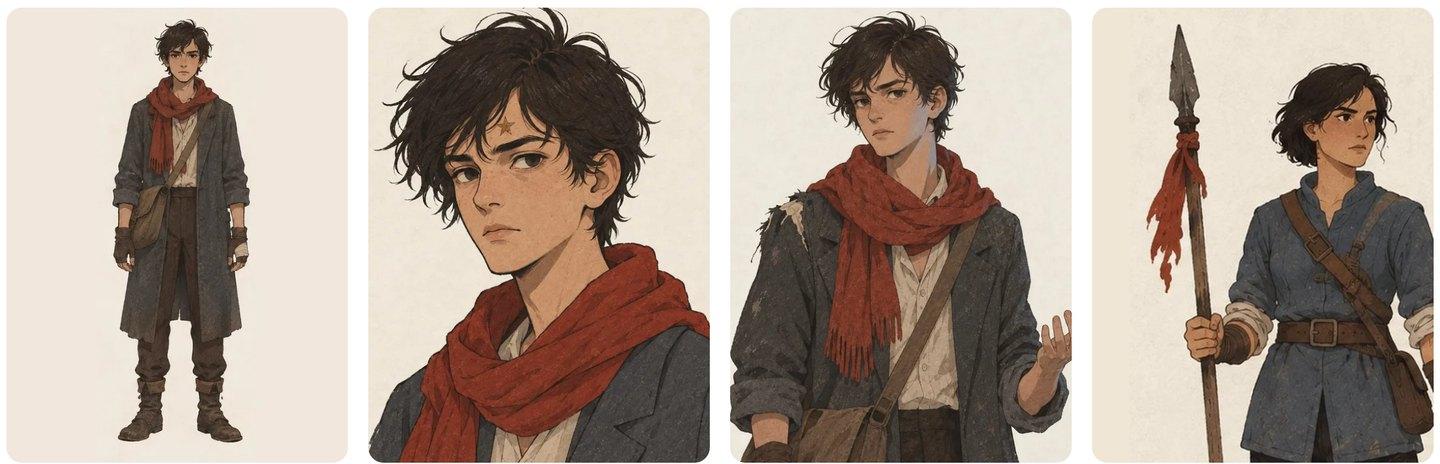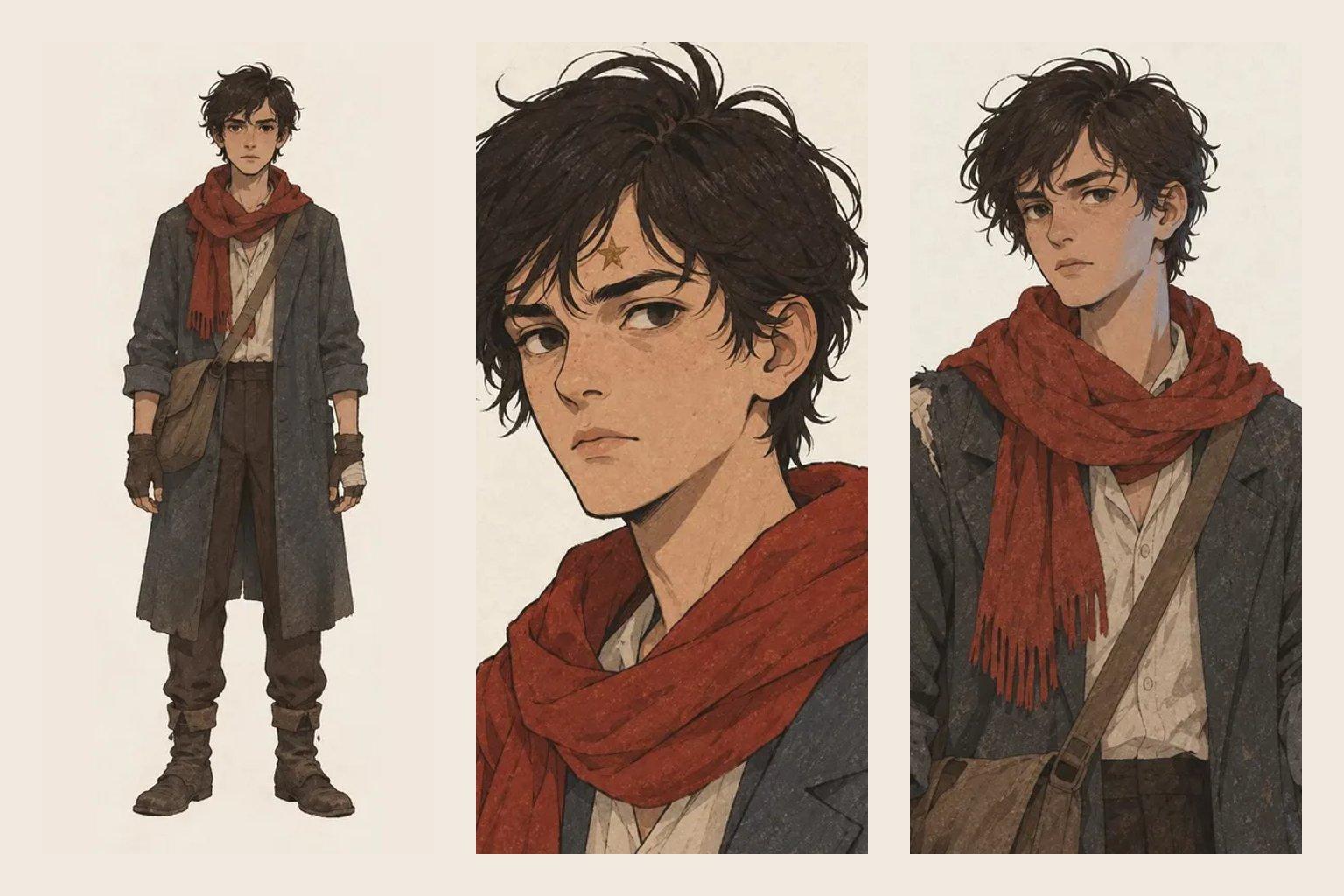
A character reference sheet is one picture that shows a character from every side: front, side, back and a close portrait, all in the same outfit on a plain background. Artists, animators and writers use it so a character looks the same in the tenth picture as in the first.
This guide covers what a character reference sheet is, what to put on one, how it differs from a character design sheet, a free template you can copy, and how to keep a character consistent when you make pictures or video with AI.
What is a character reference sheet?
A character reference sheet, also called a model sheet or turnaround, is the visual record of one character. Animation studios made it standard: dozens of artists drew the same character, and the sheet was the rule they all followed.
Writers use the same idea. A sheet answers the questions a reader or an illustrator would ask: what color is the coat, which side is the scar on, how tall is she next to her brother. It is the picture version of a story bible entry.
What to include on a character reference sheet
Keep the sheet clean. Everything on it should help someone draw or describe the character the same way twice.
- Four views: front, side and back at full body, head to feet, plus a large head and shoulders portrait
- One outfit: the outfit the character wears most, the same in every view
- A plain background, so nothing distracts from the character
- Colors: the main colors of skin, hair, eyes and clothes, ideally as swatches
- Marks and props: scars, tattoos, jewelry, weapons, and anything they always carry
- Height: a simple scale line, or the character standing next to someone known
A manuscript studio with source-linked Wiki review.
Character reference sheet vs character design sheet
People use the two names loosely. A character design sheet is usually the exploration stage: many sketches, outfit ideas and face shapes while the look is still being decided. A character reference sheet is the final answer, the one approved look that everyone copies.
Expression sheets and outfit sheets are separate pages that sit next to the reference sheet. Make them only once the main sheet is settled, and only when the story needs them.
A free character reference sheet template
Copy this structure for each main character. Or download the template as a plain text file that opens anywhere.
Start with the description, then make the picture. Written details are what keep the picture honest when you redraw it later. A character bible holds those details for the whole cast.
- Who they are: name, other names, role, age, first chapter
- The four views: front, side, back, portrait, same outfit, plain background
- Body and face: build, skin, face, eyes, hair, marks
- Outfit: top to bottom, shoes, what they always carry, what never changes
- Colors: main, second, accent, and colors they would never wear
- Changes over the story: chapter, what changed, and why
How to keep a character consistent across pictures
Most drift starts when each new picture is made from a new description. The fix is to make every new picture from the sheet, not from memory.
- Attach the sheet itself to every new picture or video request, not just a text description
- Keep fixed details (face, eye color, height) apart from story details (a torn coat, a new scar)
- Make a new sheet when the look changes on purpose, and note the chapter where it changed
- Never ask for a prop the sheet does not show; the model will invent one
Make a character reference sheet from your story
If you write your story in AxiomStory, you do not start from a blank sheet. The Wiki reads your chapters and gives each character a page with what the book says about them: looks, clothes, voice and history, linked to the chapters they came from.
From that page, one click makes a character reference sheet in four views, drawn from the facts in your draft. When you turn a scene into a picture or a video in Studio, each character's sheet goes with every shot they appear in, so they keep the same face and clothes from shot to shot. More on that in consistent image generation.