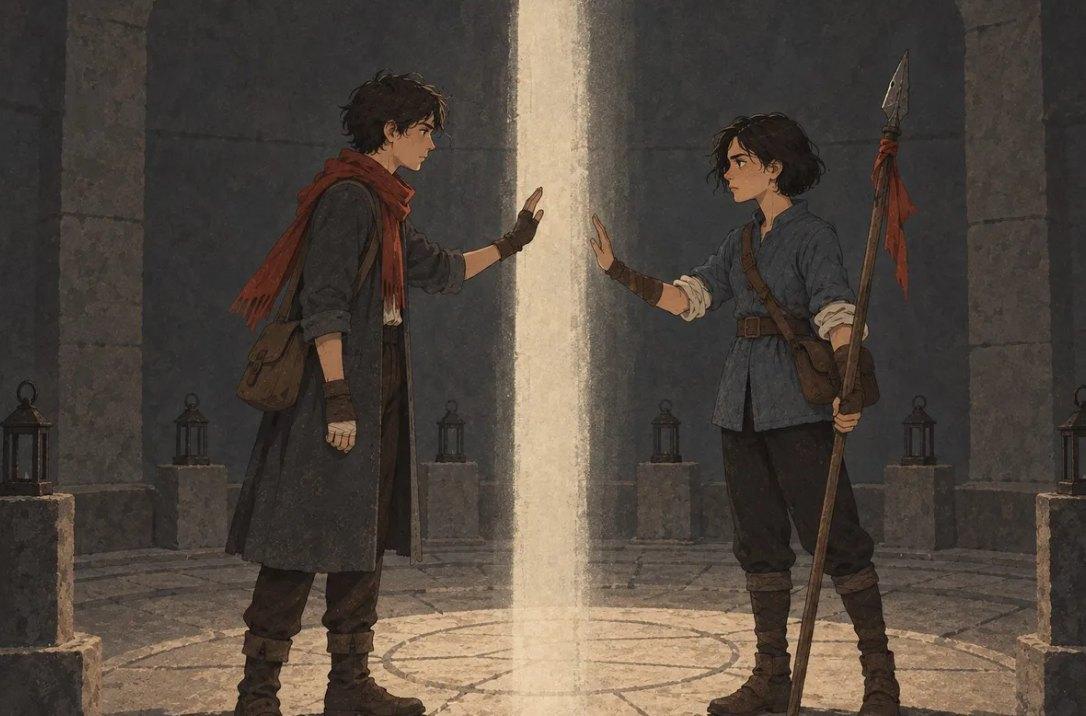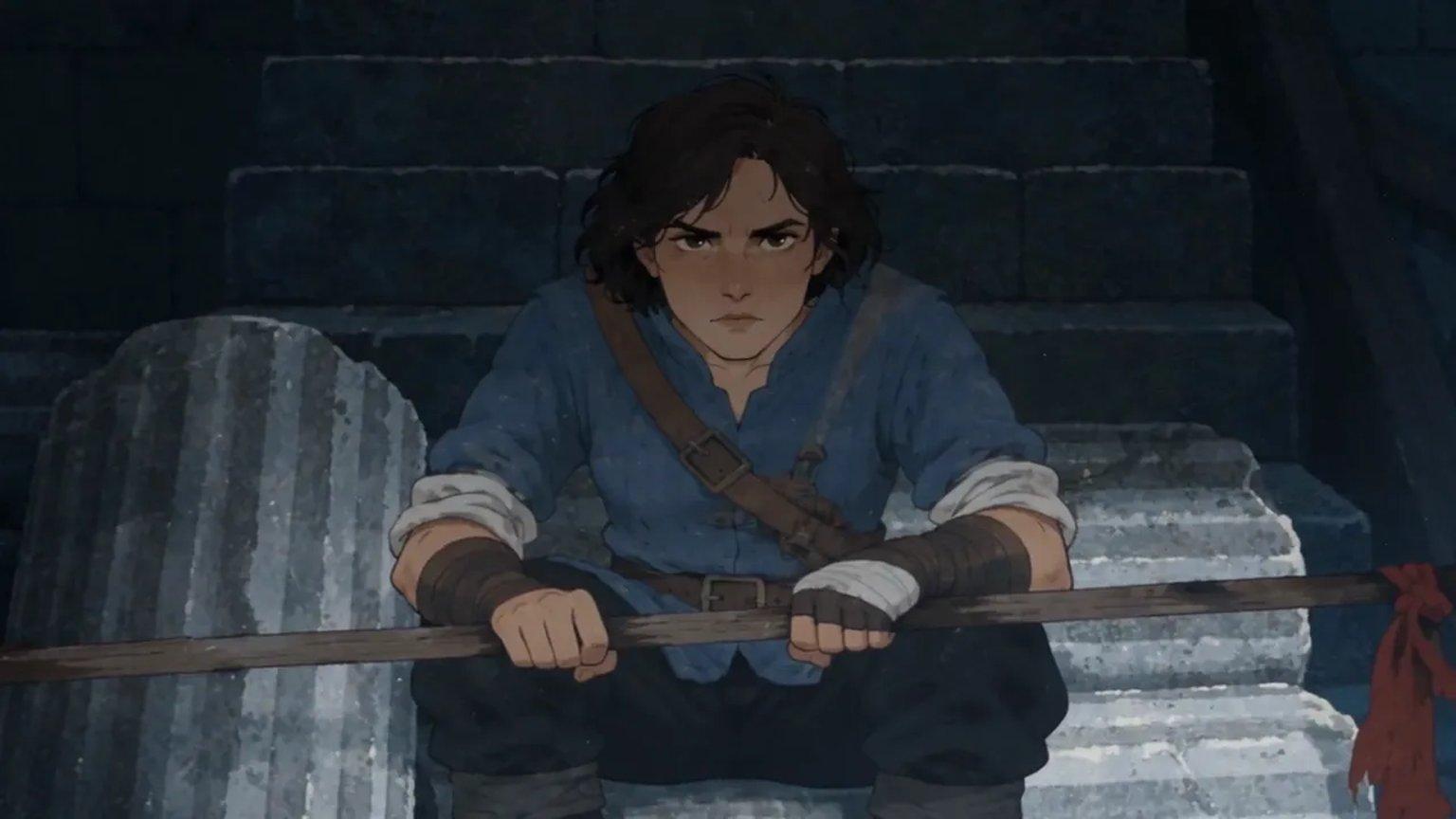
A book trailer is a short video that sells the feeling of your book in under a minute. Most trailers are stock footage and text cards. The ones people remember show a real scene: your characters, your world, a line of dialogue that makes someone want to read on.
This guide covers what a book trailer needs, how to write a trailer script, how to turn it into a storyboard, and how to make the video with AI so your characters look and sound the same in every shot.
What a book trailer is for
A trailer has one job: make a stranger curious enough to read the first page. It does not need to explain the plot. It needs a character the viewer cares about, a world they can picture, and a question they want answered.
Keep it short. Thirty to sixty seconds is enough for a single scene, and short clips are what people finish on social feeds and book pages.
Write the trailer script first
Do not start with pictures. Start with a script of a few lines, taken from a scene that already exists in your book. A scene you have written has real stakes and a real voice, which a summary never has.
- Hook: the first three seconds, one striking image or line
- World: where we are, shown rather than told
- Stakes: what the character wants and what stands in the way
- The question: end on a line that leaves it open
- Title card: the book's name and where to find it
A manuscript studio with source-linked Wiki review.
Turn the script into a storyboard
A storyboard breaks the script into shots: one frame per moment, with who is in it, where the camera is, and which line is spoken. It is the cheapest place to fix a trailer, because a sketch costs nothing to redo and a video does.
For each shot, write the place, the characters, the one action that happens, and the exact dialogue. More on this in a storyboard and shot list workflow.
Keep your characters the same in every shot
The most common problem with AI video is drift: the hero's coat changes color between shots, or their face becomes someone else. The fix is the same as for pictures. Give every shot the same character reference sheet, and never describe a character from scratch.
Places and props drift too. If a staff has a red cloth tied to it in the first shot, it needs that cloth in the last one. AI video continuity covers how to track this across scenes.
Script to video with AI: what to watch for
Once the storyboard is right, making the video is the short part. A few habits make the difference between a clip that feels alive and one that feels like a slideshow.
- Give each shot one camera move and one physical action, so it never freezes
- Write the exact lines each character says, and nothing else, so they do not add words
- Use each character's own voice in every shot, so they sound like the same person
- Keep words out of the frame and add the title card at the end instead
- Watch the whole cut before redoing a shot; a small flaw often disappears in motion
Make a book trailer in AxiomStory Studio
If your book is in AxiomStory, the trailer starts from what you have already written. The Wiki already knows your characters, and each character page can hold a reference sheet and a voice. Studio turns a scene into a short video in three steps: Story, Storyboard and Watch.
Pick the chapter or scene, or ask the Assistant for a trailer in plain words. Studio writes the script from your chapter, draws a storyboard frame for each shot, and makes the video with your characters' sheets and voices attached to every shot they are in. You can change any shot in words before you make it, then play, download or share the cut. Video comes with the Studio plans on the pricing page.