Video users hit continuity problems faster than image users because motion reveals every inconsistency. A costume shift, missing prop, wrong time of day, or drifting environment becomes obvious the second shots are placed side by side.
That means model-assisted video workflows need a stronger memory layer than single-image workflows. Each shot has to inherit visual canon, current story state, and the production logic of the surrounding sequence.
Lock visual canon before you expand into motion
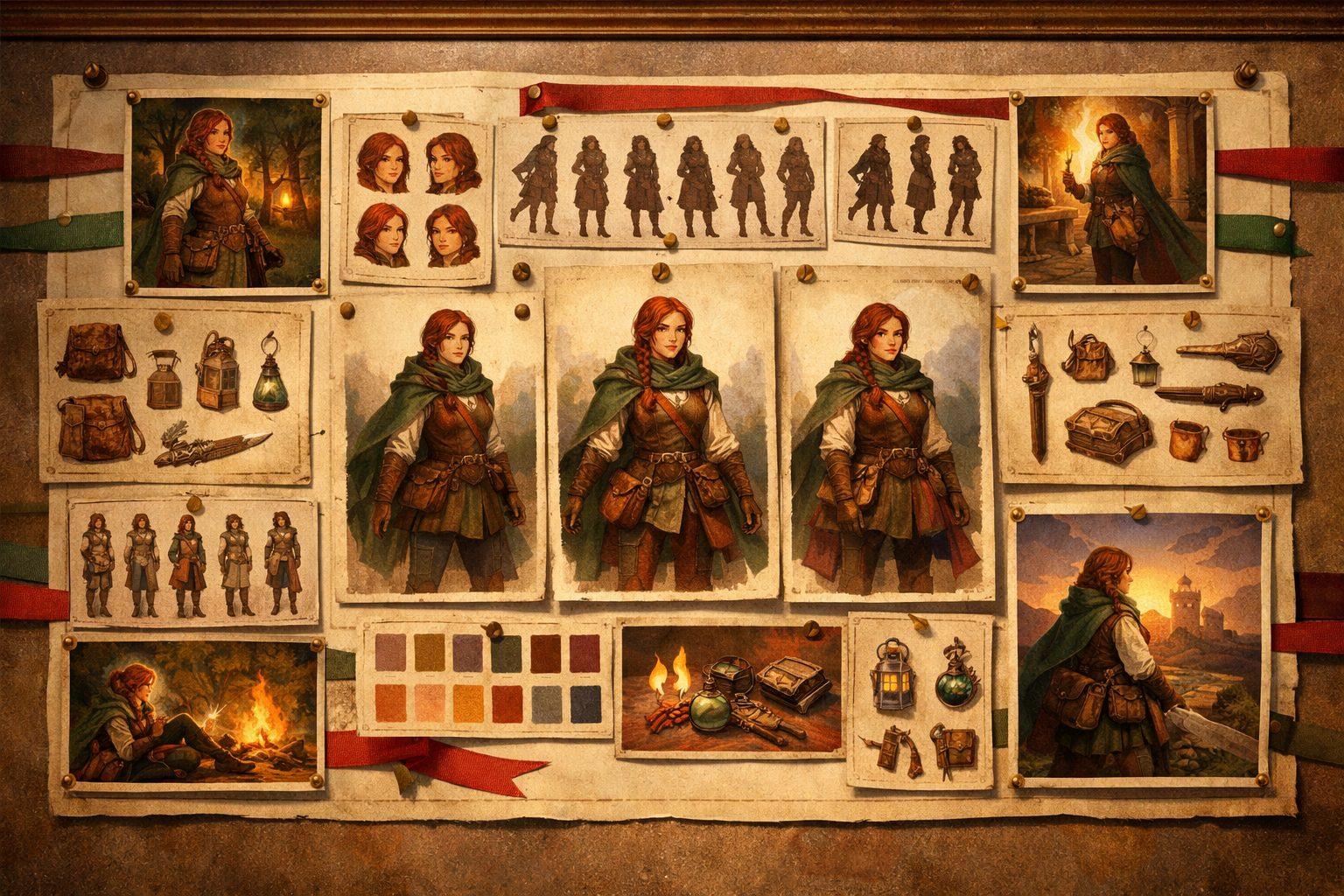
The easiest way to get unstable video is to start with motion before the subject is visually defined. Lock the hero character, key environment, and prop anchors first so the system has something stable to inherit.
In practice, that usually means canonical stills, approved costume and prop references, and a small set of state-aware notes about what must stay true from shot to shot.
Track state changes at the scene boundary
Continuity breaks when a shot treats the world as static even though the story has changed it. A damaged helmet, an extinguished torch, or a new emotional beat needs to be reflected in the next scene's shot plan.
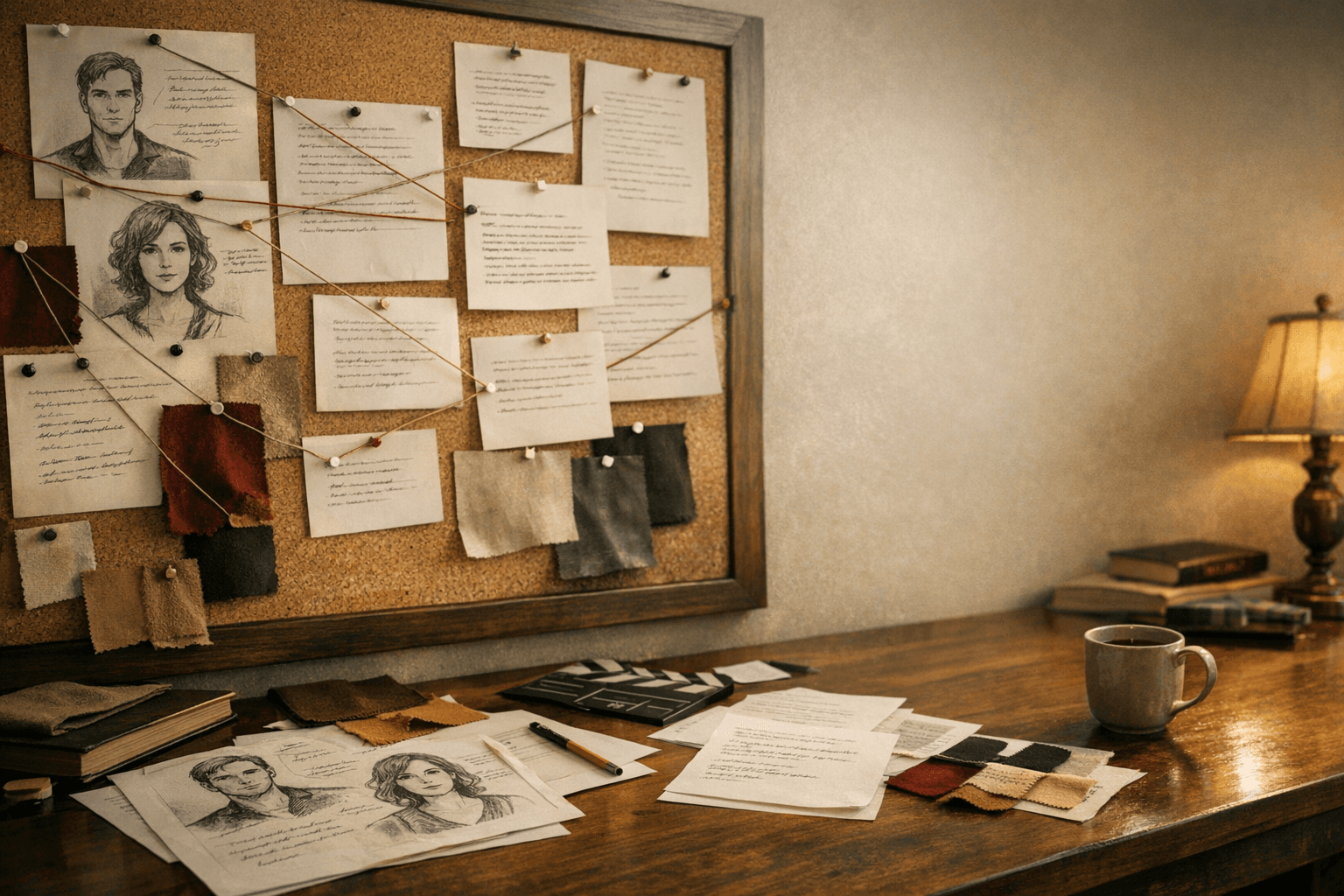
The cleanest video workflows track those changes explicitly at the boundary between scenes so the next sequence inherits updated truth rather than stale reference material.
Tie every shot to sequence-level context
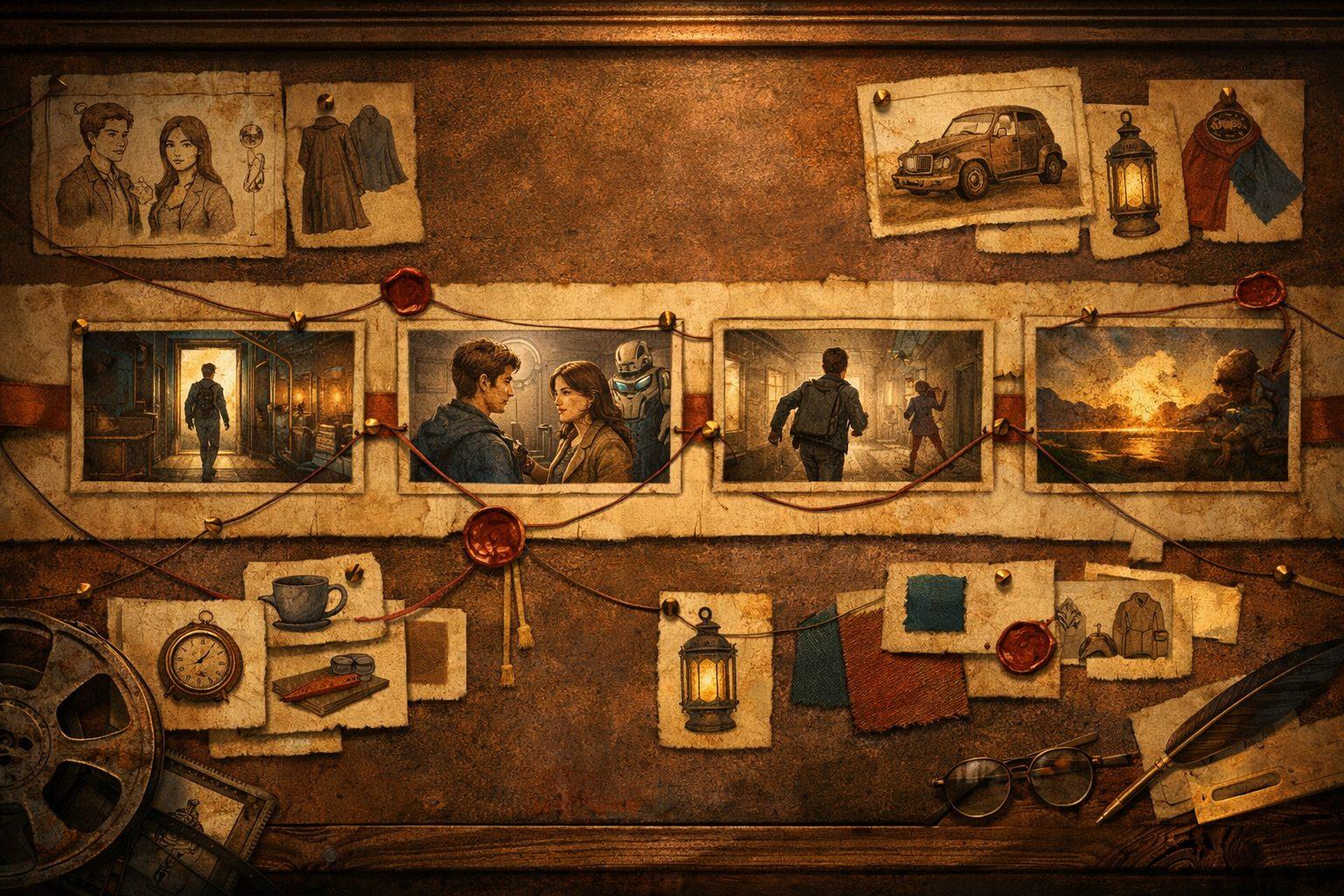
Shot prompts get better when they know the purpose of the sequence. Is this a reveal, a transition, a confrontation, or a quiet reaction beat? That context affects framing, pacing, and continuity priorities.
Sequence-level context also helps prevent over-designed shots that look impressive alone but fail to cut together as part of a scene.
Keep prop and environment references as close as character references
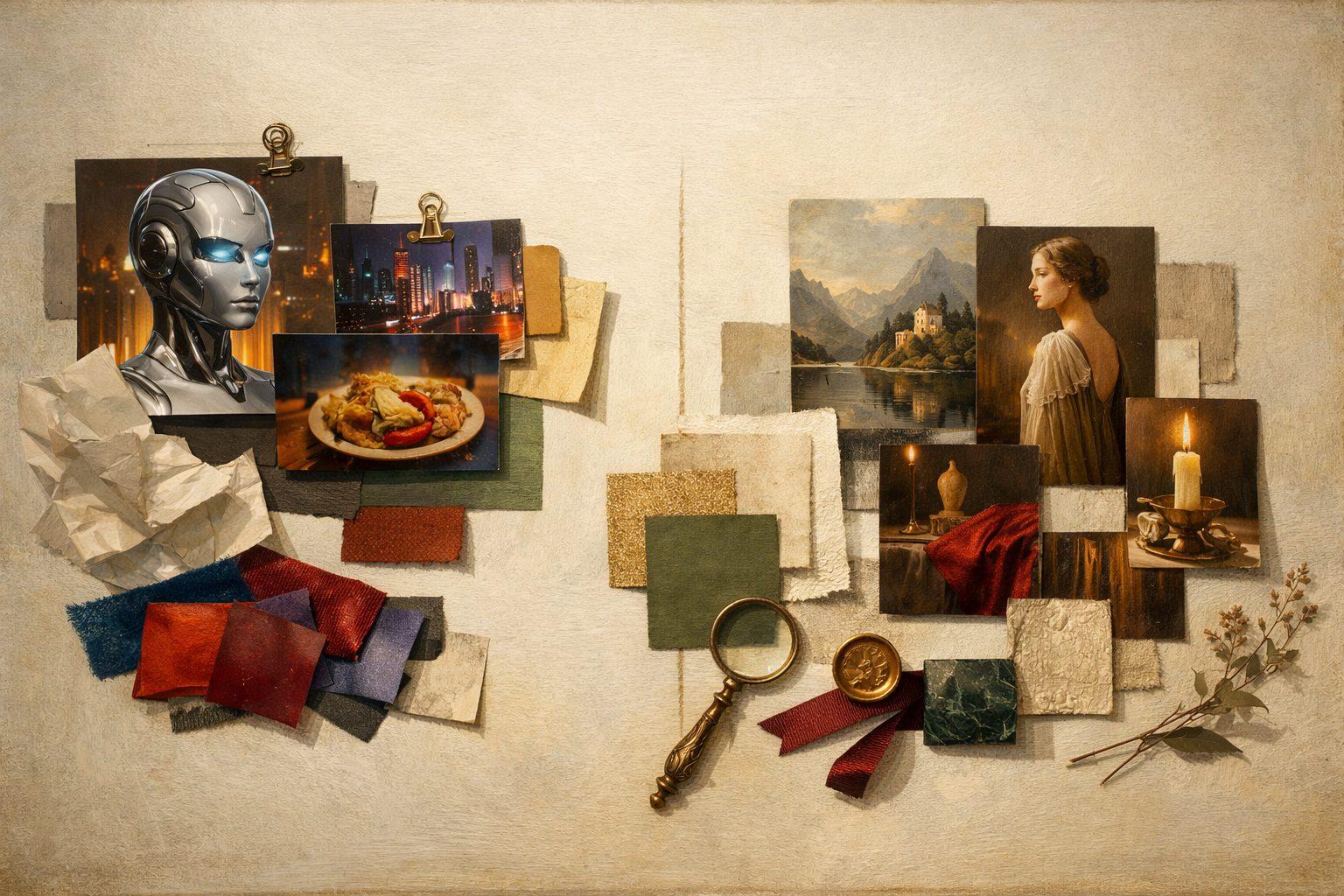
Teams often focus on face consistency and ignore the environment. That is a mistake in model-assisted video. Mismatched props, architecture, weather, or lighting can break the cut even if the character looks right.
A shot-ready continuity system treats props, set dressing, and ambient conditions as first-class references, not decorative extras.
Use approvals to build a sequence memory, not a pile of clips
A good approved clip should make the next clip easier to direct. Save the prompt, context, and neighboring shot references so the system can keep building forward.
That turns each approved output into part of a production memory instead of leaving the room to rebuild continuity manually for every new scene.