Writers do not need more worldbuilding busywork. They need just enough structure to make the next scene more specific, more consistent, and easier to finish.
A strong workflow gets you out of setup mode quickly. It turns background knowledge into actionable story context, then sends you back to drafting before momentum cools off.
Begin with pressure, not encyclopedias
The first question is not how complete your universe feels. It is what pressure is already acting on the story. Pressure creates relevance, and relevance tells you which parts of the world deserve immediate definition.
If the next chapter depends on a political marriage, a sacred blade, and a contested fortress, those are the elements that need clarity now. Everything else can follow later.
Import the material you already trust
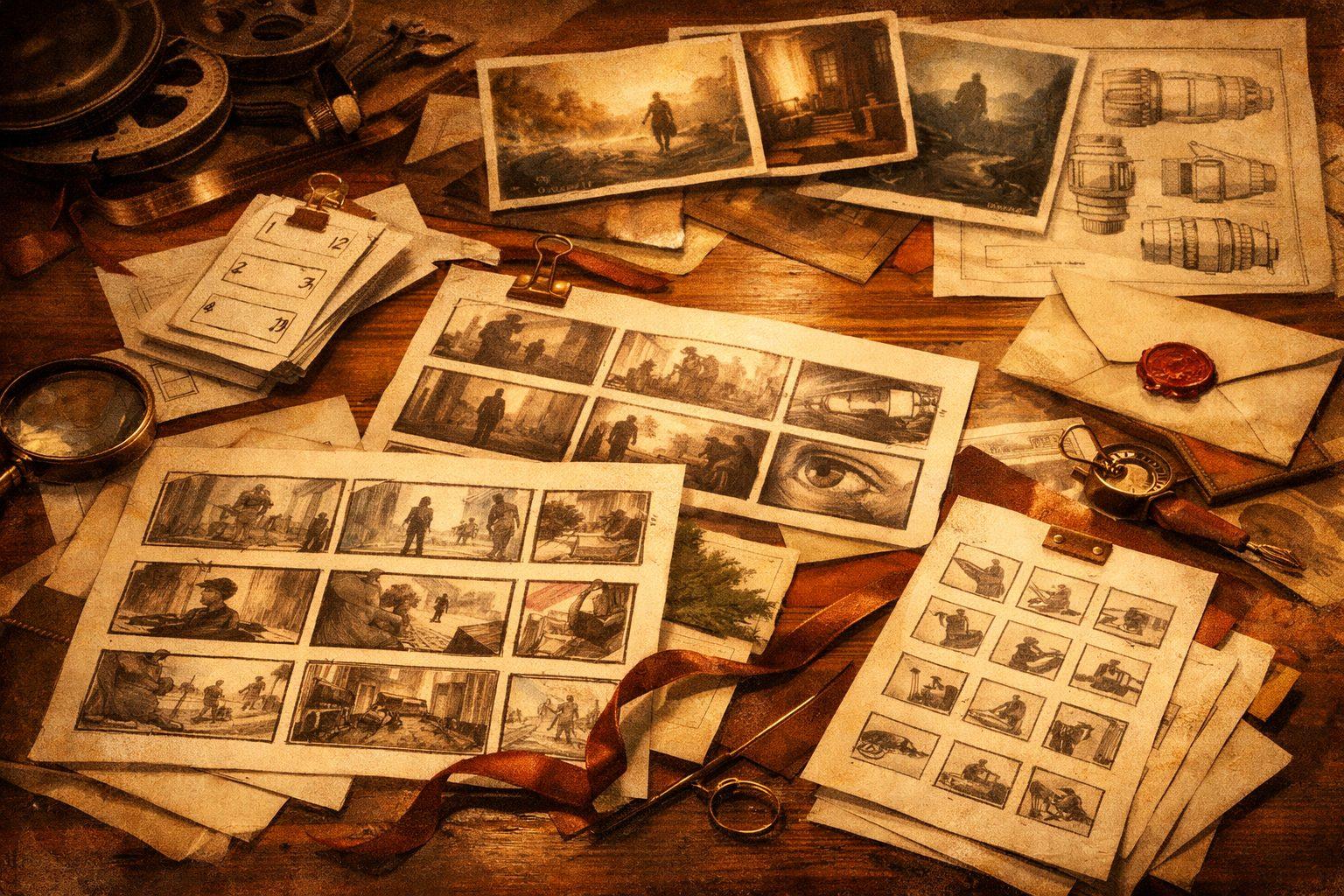
Most writers are not starting from zero. They have drafts, research, outlines, art folders, or old wiki pages. Pull that material into the system first instead of rewriting it into a new format.
Importing existing text gives you passages, candidate entities, and the natural language evidence that made the world feel real in the first place.
Pin only the canon that changes the next draft choice
Not every fact deserves equal prominence. Some details are atmospheric; some details change whether a scene is possible. Prioritize the latter.
This keeps the room from drowning in low-impact detail and helps model systems retrieve signal instead of clutter.
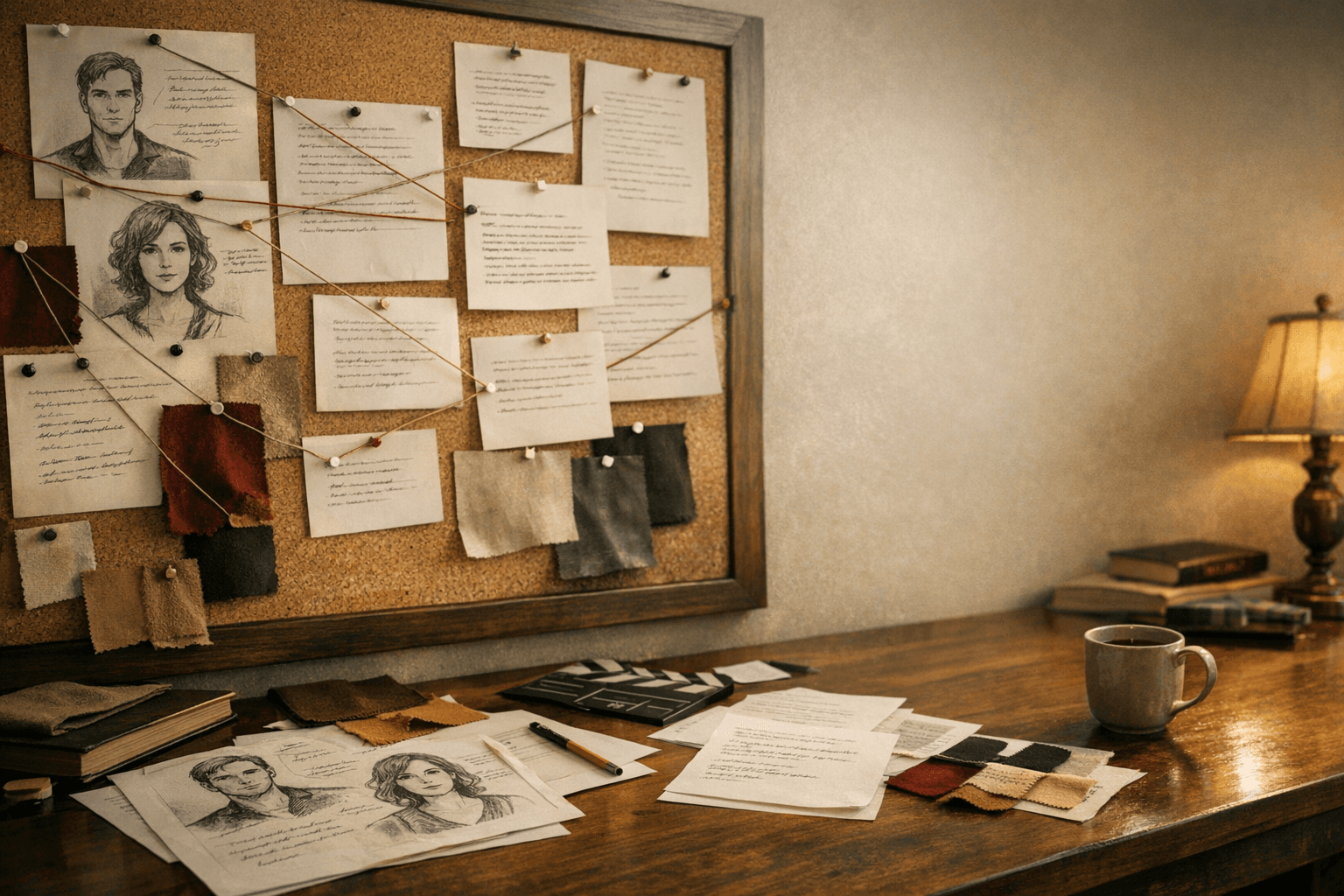
- Pin protagonists, antagonists, and decisive relationships.
- Pin locations with narrative or logistical consequences.
- Pin objects whose ownership or state can alter the plot.
Draft, then review continuity at the seam
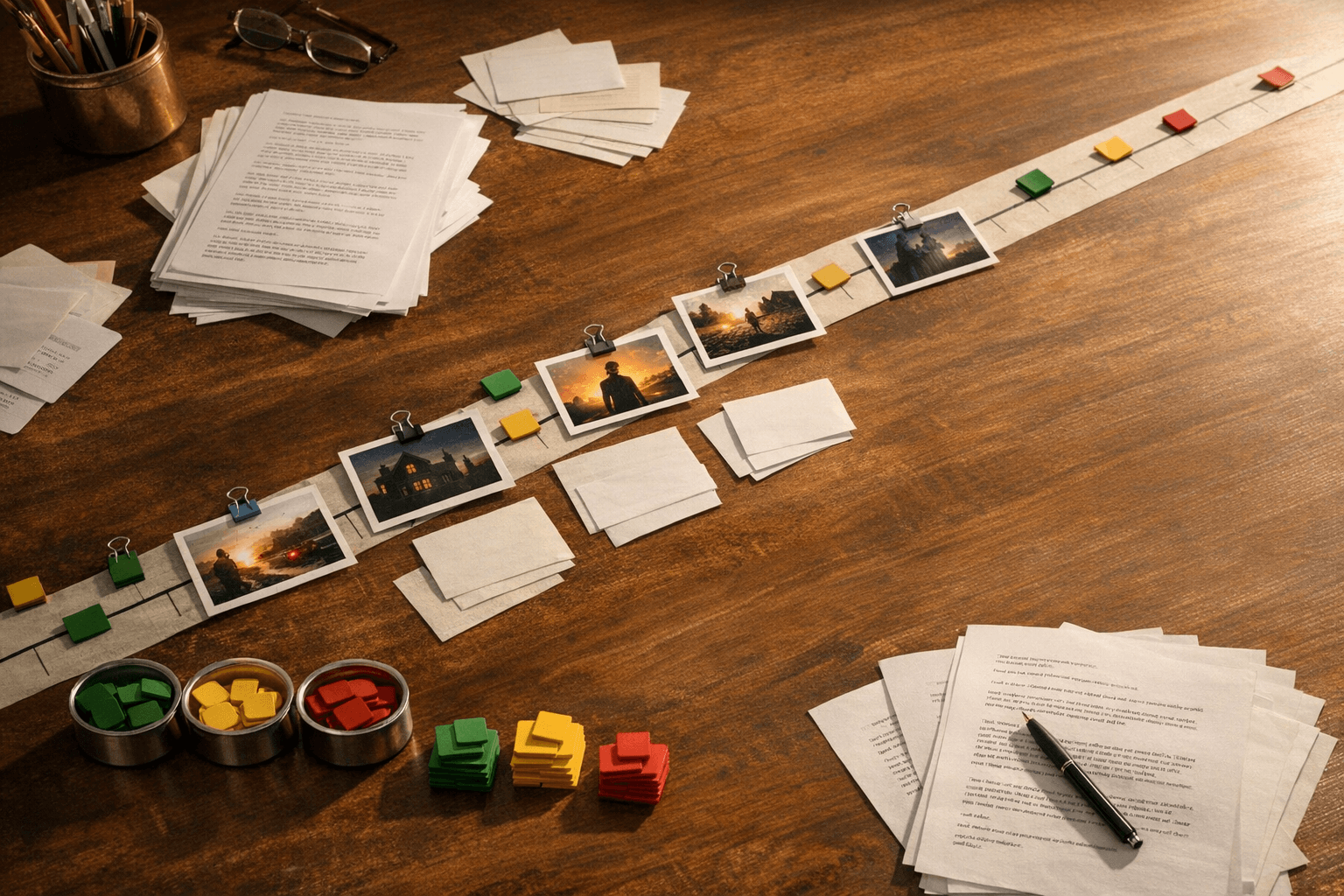
Writers often stop themselves too early by trying to audit continuity before the scene exists. A better rhythm is to draft naturally, then review the seam where new writing touches established canon.
That seam is where a context inspector, active-entity panel, or conflict warning becomes genuinely useful. It checks the scene against the system without interrupting the first pass.
Use assets to reinforce the room, not distract it
Visual references are most useful when they stabilize decisions. A canonical portrait, set mood, or prop anchor can reduce debate and speed up both writing and generation.
The goal is not to create an ever-growing gallery. The goal is to keep the room aligned on what the world looks and feels like when it matters.